Updated
mdmini
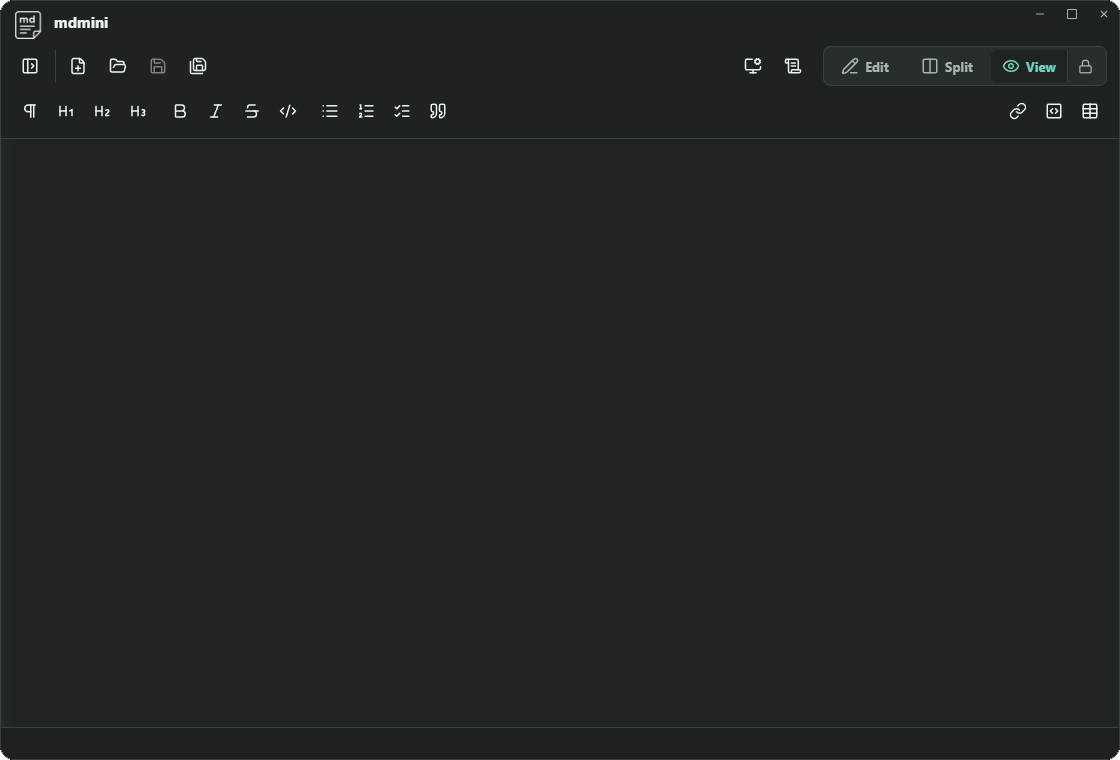
Markdown notes with a refreshed shared titlebar, cleaner spacing, and top-edge double-click maximize/restore.
- Version
- 0.1.1
- Files
- .md, .markdown, .mdown
 mdmini
v0.1.1
mdmini
v0.1.1
Local productivity, kept small

A compact family of desktop apps for Markdown notes, rich text documents, and spreadsheets without the weight of a full office workspace.
Download
Version 0.1.1 is the latest Markdown app build. Docs and Sheets now have their first Windows installers, too.
Detecting platform
Recommended download
Windows x64 setup
Updated
Markdown notes with a refreshed shared titlebar, cleaner spacing, and top-edge double-click maximize/restore.
New
Rich text documents with local .mddoc files, Word-format imports, print, and HTML export.
New
Spreadsheets with local .mdsheet files, Excel-format imports, formulas, and CSV export.
Install
These builds are unsigned developer releases, so your operating system may ask you to confirm that you want to open mdmini, mdmini Docs, or mdmini Sheets.
Setup installer
Universal app archive
x86_64 AppImage
chmod +x mdmini-0.1.1-linux-x86_64.AppImage.Features
Markdown
Move between a focused editor, a rendered preview, or both panes side by side when you want the source and output together.
Documents
mdmini Docs adds a focused .mddoc editor for rich text, links, images, tables, Word-format imports, print, and HTML export.
Spreadsheets
mdmini Sheets adds a local .mdsheet grid with formulas, formatting, Excel-format imports, and CSV import/export for lightweight tabular work.
Shared chrome
All three apps now share the same roomier titlebar treatment and top-edge double-click maximize/restore behavior.
Release note
mdmini now has companion apps: mdmini Docs for rich text documents and mdmini Sheets for spreadsheets. The latest installers add Word and Excel imports plus distinct DOC/SHT app icons.
Version 0.1.1 refreshes the Markdown app chrome and installer. The mdmini Docs and mdmini Sheets 0.1.0 installers now include Office-format imports while keeping .mddoc and .mdsheet as the native save formats.
Versions use a simple major.minor.patch format. Early 0.x releases may adjust behavior while the app shape settles.